October 12th, 2025

Hydra 3.7.0 Supernova – UI Redesign, New Profile Features, Decky Plugin Official Release!
👋 Hey there!
We’re back with another big one — Hydra 3.7.0, codenamed Supernova.
This update brings a UI redesign and introduces some of the most requested community features yet.
Let’s dive in.
✨ Hydra Gets a Fresh New Look!
We’ve reworked the Hydra interface to make it cleaner, faster, and easier to navigate.
Every screen — from your Library to Game Pages — now feels smoother and more consistent, with refined icons, animations, and layouts.
Hydra’s new design isn’t just prettier — it’s built for the future.
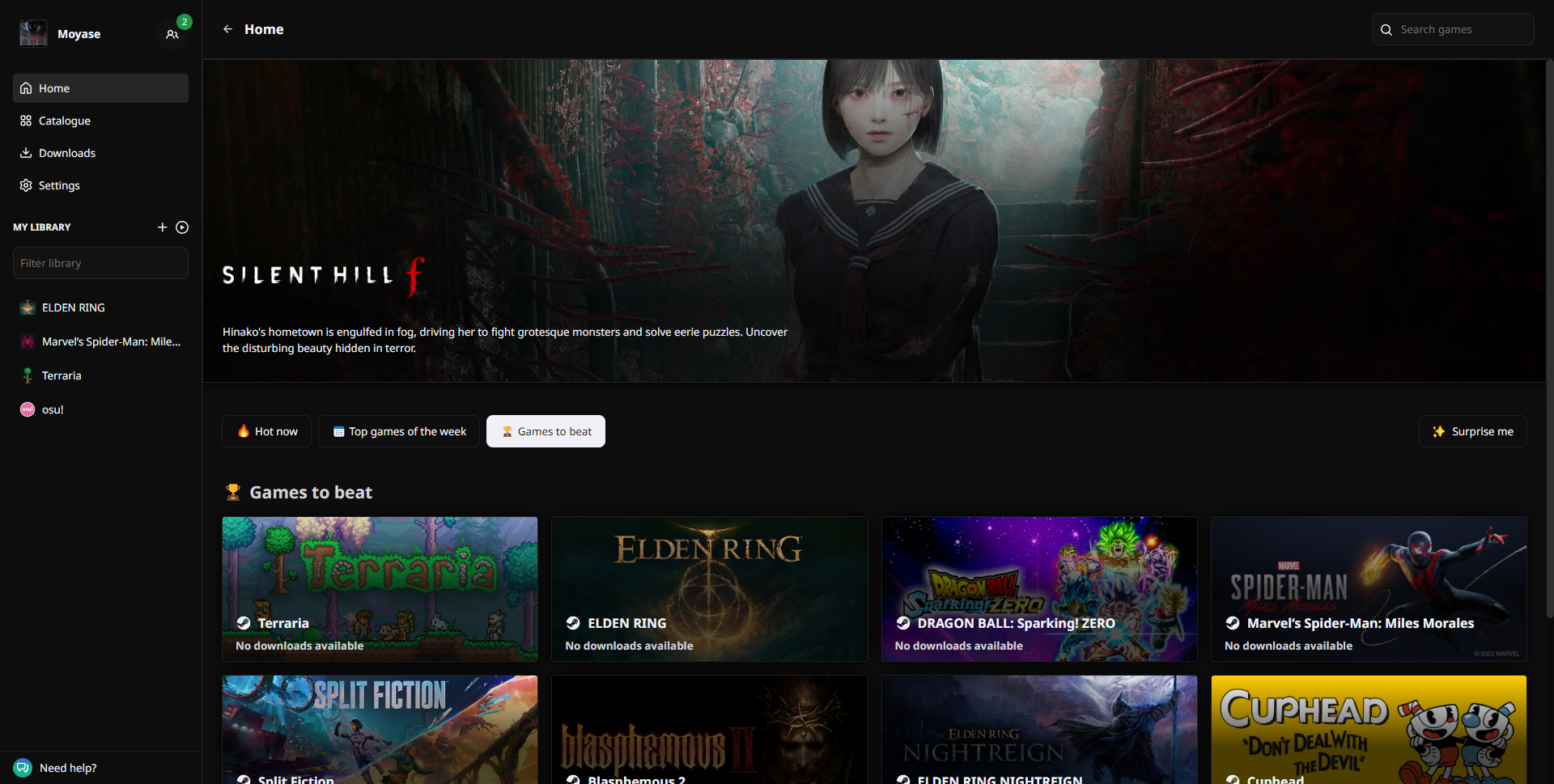
🕹️ New Features
Here’s what’s new in this update:
🎮 Custom Games – You can now add your own games directly to Hydra!
Perfect for tracking and launching non-Steam titles or custom executables.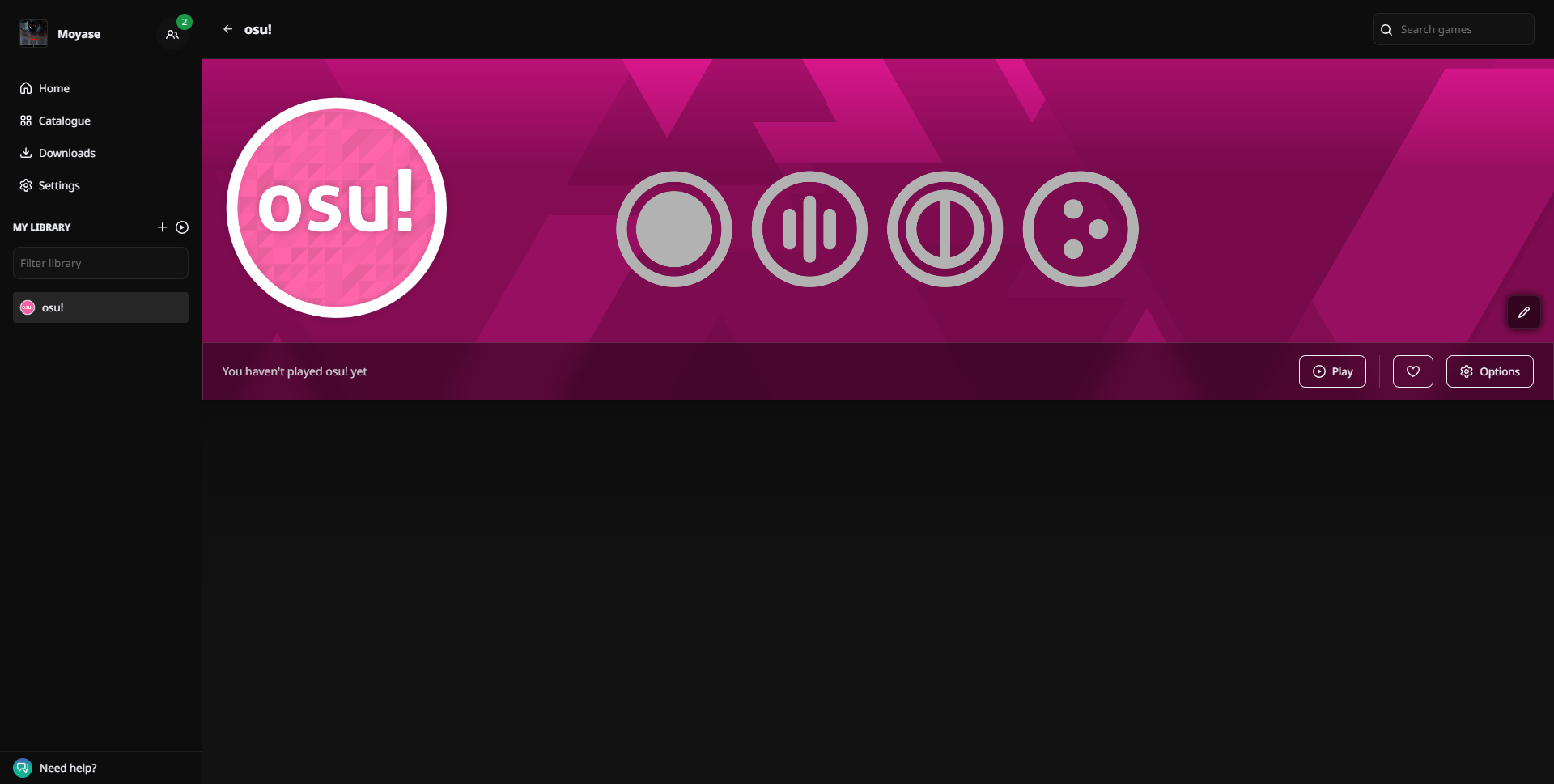
Note: Custom games won’t appear in your profile and their playtime won’t be counted on your profile
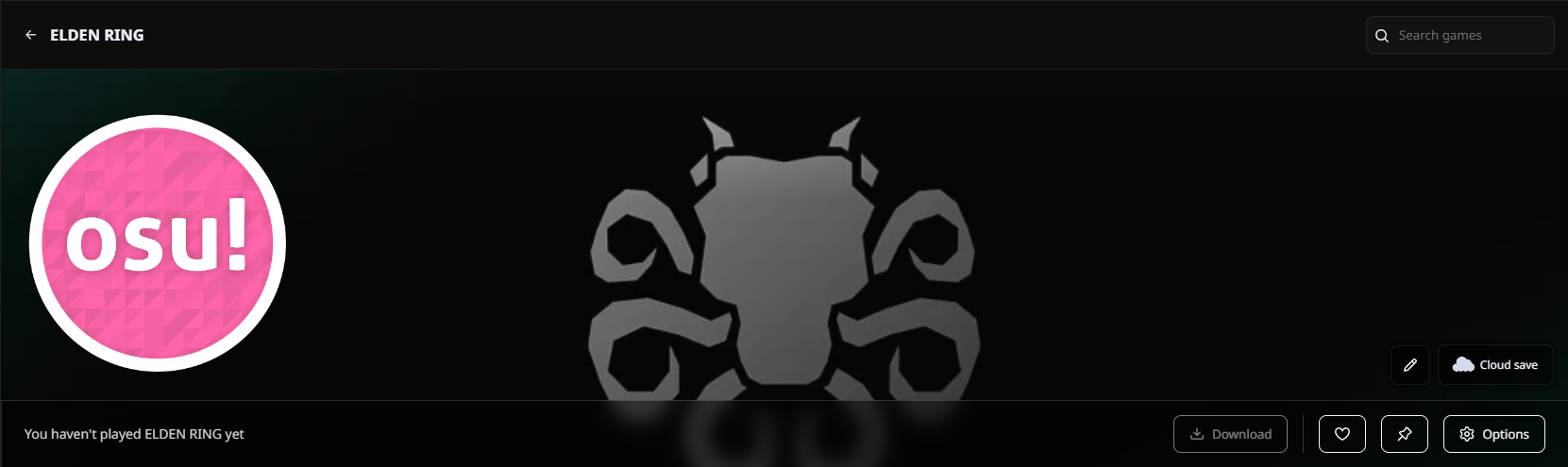
✏️ Ability to change game assets - you can now change assets of a game including: Logo, Icon, Library hero. Corresponding button is placed near Cloud Save button.
⏱️ Editable Playtime – Set or adjust the playtime of your games manually.
Great for keeping your stats accurate or syncing with your actual hours played. Button to edit playtime was added to game settings.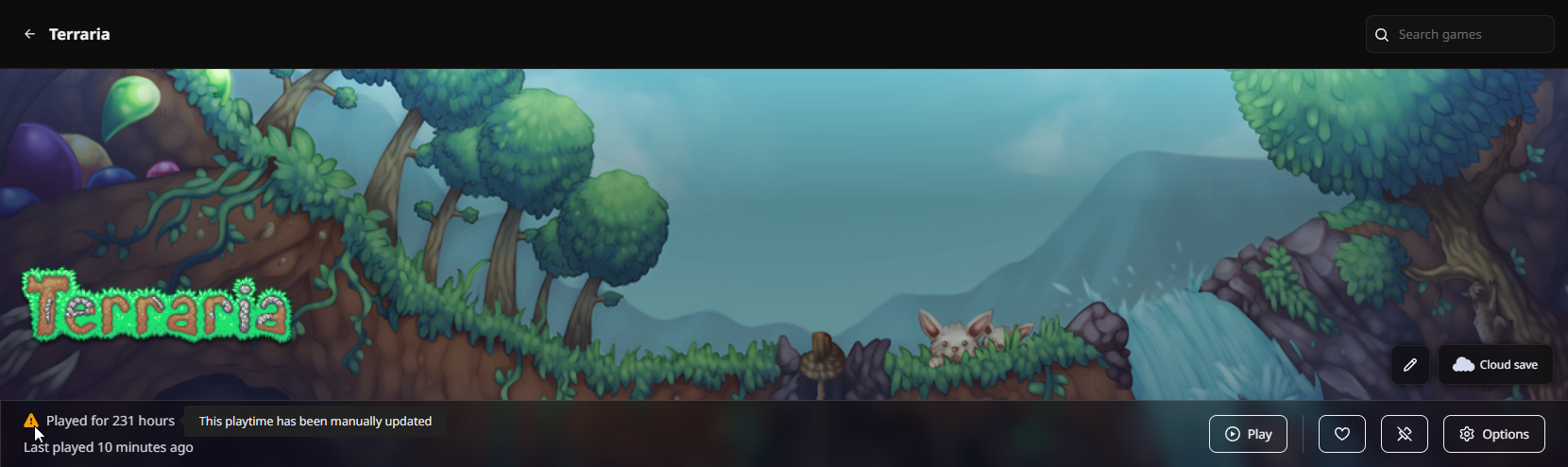
Warning: Changing playtime will add the warning icon to it on your profile, marking it as a game with changed playtime. This cannot be undone.
📌 Pinned Games & Sorting in profile – Want to highlight your favorites?
You can now pin games on your profile as well as sort your games for quick access and flexing your top picks.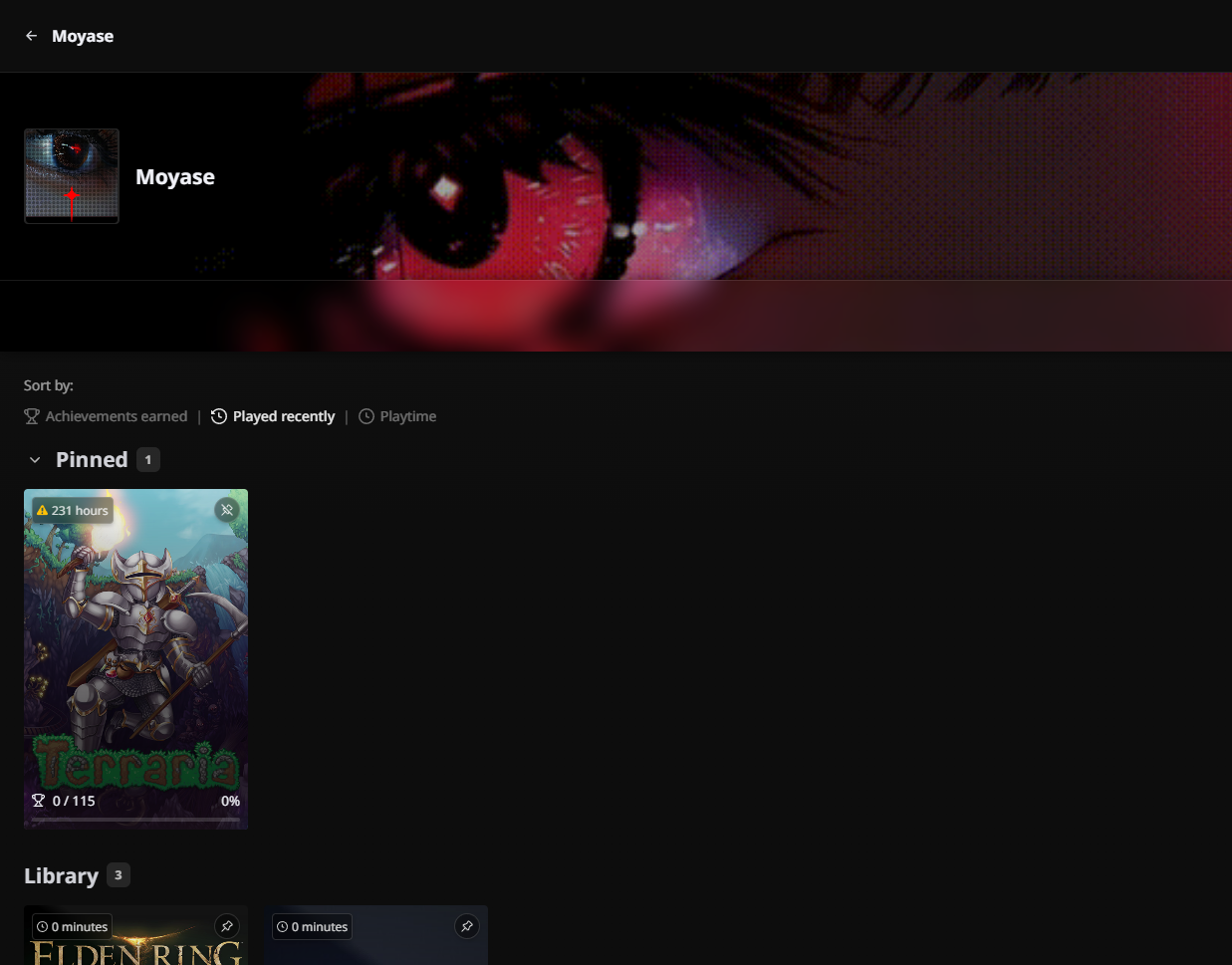
💬 Game Reviews & Karma system – The community’s favorite new feature!
Leave a review directly from the game page and share your thoughts with other Hydra users. You can find reviews in the bottom of each game page.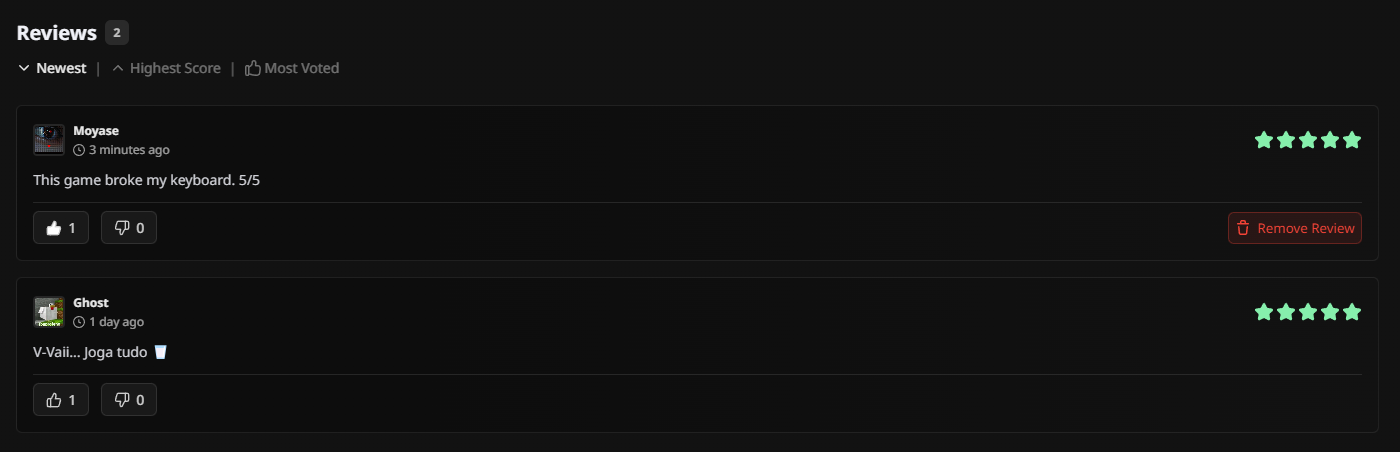
Each review can be liked or disliked — and your karma will rise or fall accordingly.
Your total karma is now visible in your profile’s stats section, showing your impact within the Hydra community.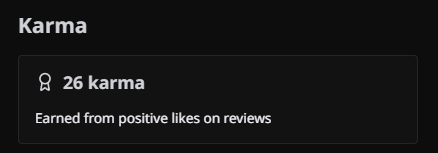
🧩 Official Decky Plugin Release
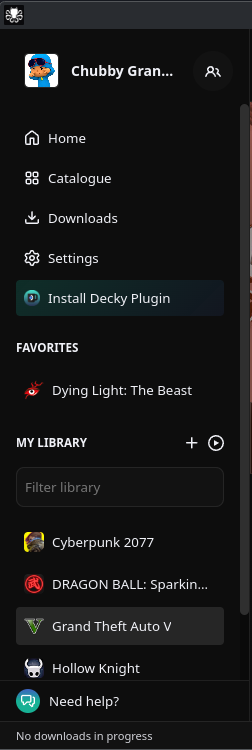
Hydra now includes an official “Install Decky Plugin” option — making it easier than ever to bring Hydra straight into Steam Deck’s Game Mode.
You can install the plugin directly from within Hydra’s settings — no manual setup required!
You may be asked for your sudo password during installation.
This marks the official release of Hydra’s Decky integration — fully supported and ready to go.
💡 And that’s not all...
We’ve made tons of smaller improvements and fixes across the board — supported languages by the game, new context menu on right click, All-Debrid support, source-filter before downloading, better responsiveness, and an overall more polished feel.
👩💻 New Contributors & Team Update
A huge shoutout to our amazing new GitHub contributors who helped make this release possible:
saraiva1989, caduHD4, Stormm232, and ItsYeBoi20 💪
Your work continues to push Hydra forward — thank you for being part of the community!
We’re also thrilled to welcome Moyasee to the Hydra team as our new Staff Engineer 🚀
They’ll be helping shape the future of Hydra’s architecture and performance.
🚀 What’s Next?
We’re already working on the next big step for Hydra, and trust us — it’s something special.
As always, thank you for your support and feedback. 💚
We’re building Hydra for you — and we can’t wait to show you what’s next. ✨